Explainer
AI Customer Service Explained for Small Businesses in Kenya
What AI customer service is, how it answers WhatsApp and website chats from your own business information, where it goes wrong and how to start safely.
7 min read
Website Live Chat
Paste one line of code and a chat bubble appears on your website. Visitors get an instant, friendly answer, your team sees who is browsing in real time, and every chat lands in the same inbox as your WhatsApp messages.

Your bot or AI replies at once, with a natural typing pause, so visitors never stare at an empty window.
See who is on your site right now, which page they are on, where they came from and how many times they have visited.
Website chats sit next to WhatsApp, SMS and email conversations, with the same assignment, notes and saved replies.
Outside working hours visitors leave a message or continue on WhatsApp, and you get their details to follow up.
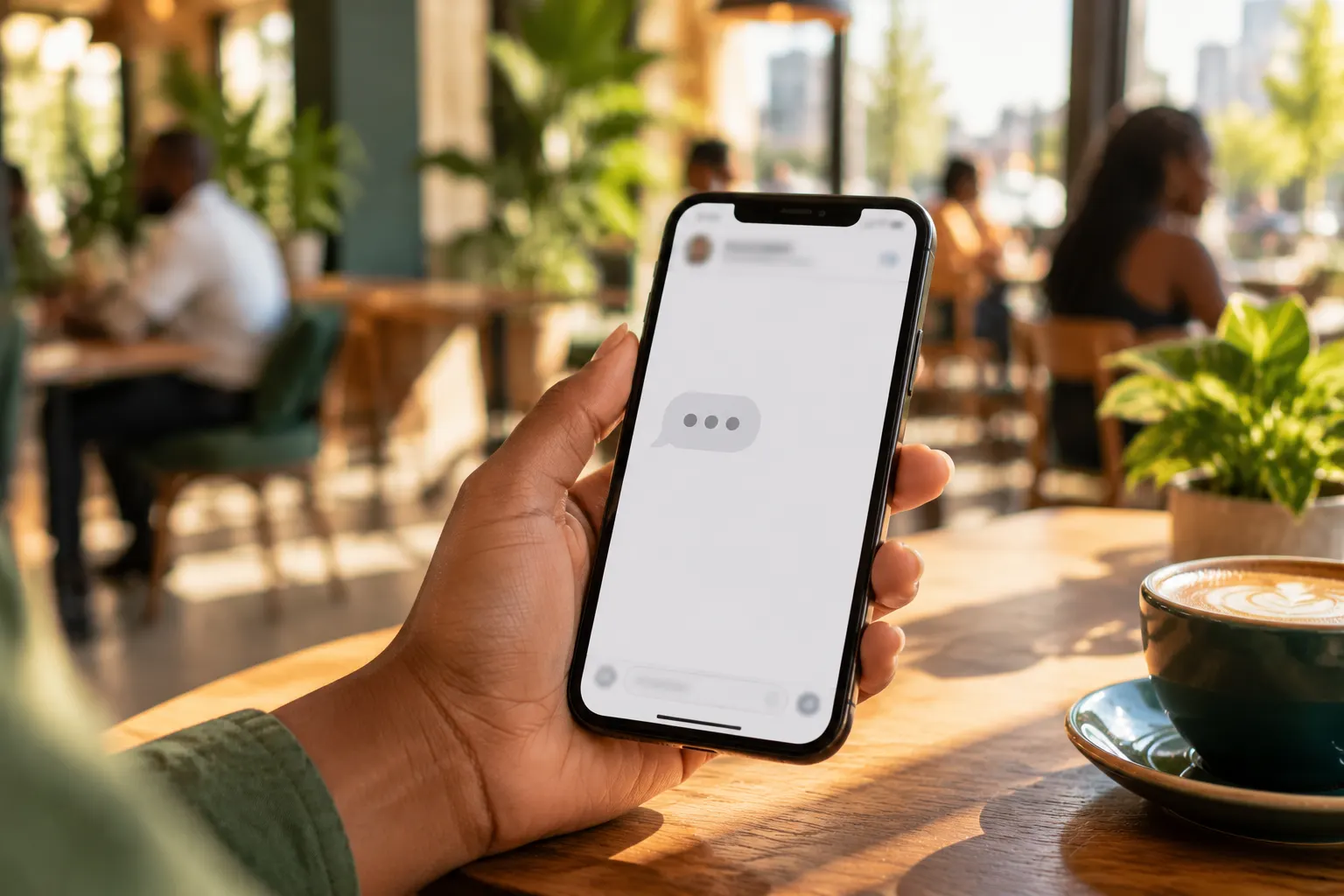
Instant, human replies
The moment a visitor sends a message, they see your team typing. Automated answers arrive one by one with a short, natural pause, and the bot hands over to a person whenever the visitor asks.

Live visitors
A live board shows every visitor: the page they are reading, where they came from, their device and how long they have stayed. A sound and a badge on your browser tab tell you the moment someone new arrives.

Reach them anywhere
Visitors can move a website chat to WhatsApp with one tap, so the conversation follows them after they leave your site. Your team keeps the full history in one thread.
Pick your colours, greeting and quick replies, and choose the websites it may run on.
Paste one line of code, or install the WordPress plugin. No developer needed.
Answer from the shared inbox, watch visitors live and see what works in the live chat reports.
Explainer
What AI customer service is, how it answers WhatsApp and website chats from your own business information, where it goes wrong and how to start safely.
7 min read
Guide
How to write canned responses (saved replies) that sound like a person, not a robot, with 25 ready examples for Kenyan businesses in English and Kiswahili.
7 min read
Explainer
What Kenyan customers expect when they message a business on WhatsApp, live chat or Instagram: speed, a real person, M-Pesa ease, Kiswahili and follow-through.
6 min read
Yes. It works on any website where you can add a line of code, including WordPress, Wix, Shopify and custom sites. WordPress also has a plugin.
Your bot or AI still answers common questions. Visitors can leave a message with their contact details or continue on WhatsApp, and you follow up when you are back.
No. The chat bubble is very small and the chat window only loads when a visitor is about to open it.
Create your free account today. When you are ready to go live, a one-off KES 2,500 setup connects your official WhatsApp Business profile, and then you only pay for the messages you send.
No monthly fee · Pay per message · Top up with M-Pesa